


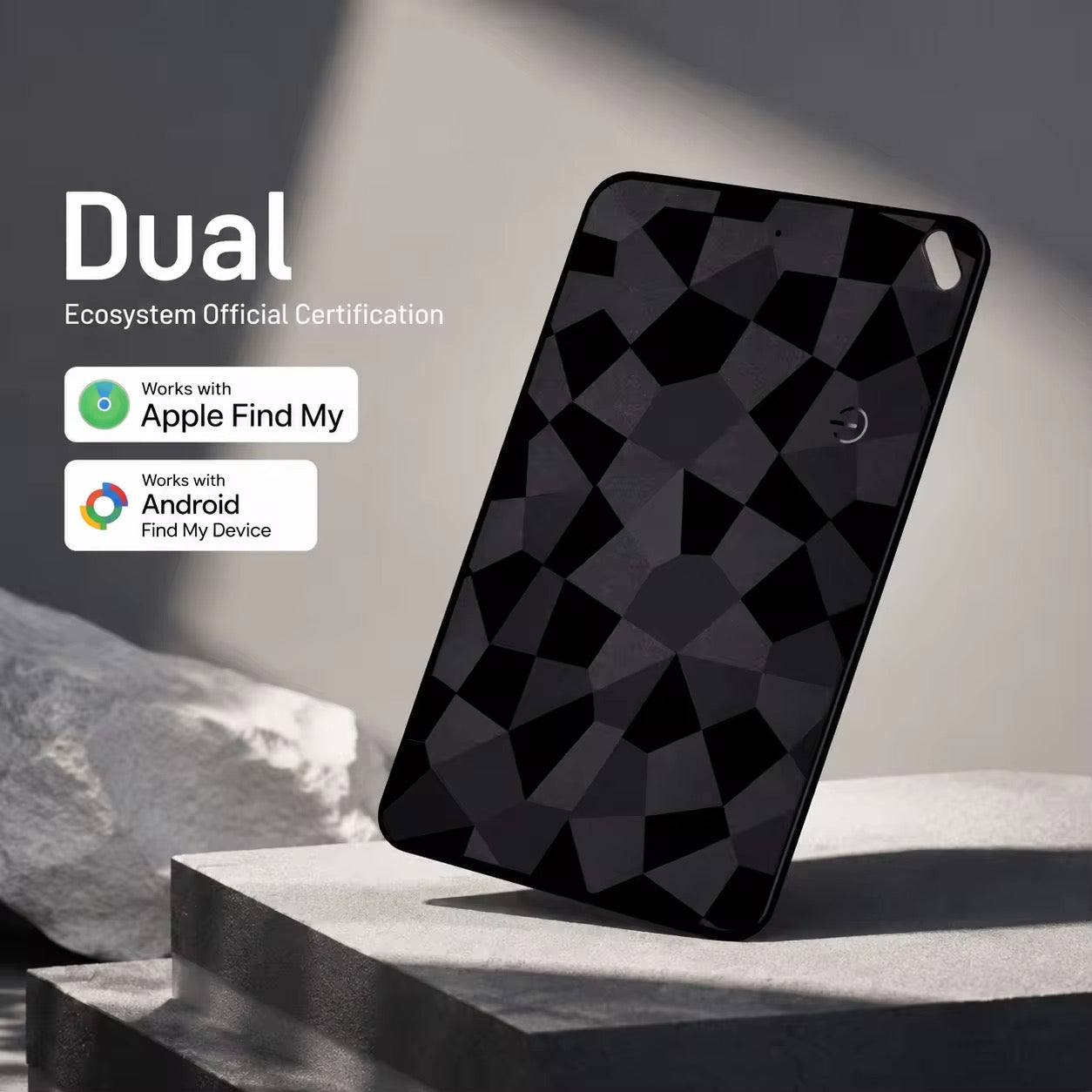
Perfect for the whole family. Get one for dad, one for mum, and one for the kids — ideal for wallets, bags and everyday essentials.
Thoughtfully designed for everyday use, with a premium feel, practical features and simple setup.
1. Charge it wirelessly
Place the product flat on a compatible wireless charger. An indicator light comes on to show that it is charging. Leave it on the charger until sufficiently charged.
2. Apple setup
Open Find My → Items → + → Add Other Item / Other Supported Item. Keep the card close and follow the on-screen pairing instructions.
3. Android setup
On supported Android devices, use Google Find Hub and follow the pairing flow shown on your phone. Keep the card charged and nearby, with Bluetooth and Location turned on. If Fast Pair appears, accept the notification and follow the steps.
4. Put it in your wallet
Once paired, slide the card into your wallet, bag or other everyday essential. Avoid bending or folding the card.
View Full Setup GuideDownload PDF GuideIs there a monthly subscription?
No monthly tracking subscription is required for the product's supported Find My functionality.
What warranty do I receive?
All BarakahCo products carry a 30-day warranty for manufacturing defects or product faults not caused by accidental damage, misuse, neglect, or unauthorised modification, subject to the store warranty terms.